Complex Buildings.
Simple Simulation.
Your all-in-one interface for OpenFOAM®, FDS, EnergyPlus™, and Radiance™.






About FlowSIM Pro
Professional CFD workflows for architecture, building physics, and MEP. With OpenFOAM as the solver, you pay no per core license fees, whether you run on 8 or 128 cores. The code is validated and advanced by thousands of researchers worldwide. FlowSIM Pro makes this power accessible.
The Problem
Anyone using OpenFOAM without a GUI knows the effort: edit every file manually, enter boundary conditions by hand, create meshes externally. Solving makes up only about 20% of the time in a typical simulation. Only faster hardware helps here. Another 20% goes into analysis and documentation. The remaining 60% is tied up in preprocessing, and this is exactly where FlowSIM Pro comes in.
The Solution
FlowSIM Pro cuts exactly this overhead. Import architectural models directly as IFC 4x3, Rhino, or SketchUp. If you only have 2D plans as DWG or DXF, model rooms with the integrated 3D tools. Where possible, the tool assigns boundary conditions automatically and generates all OpenFOAM files required to start the simulation. The result: preprocessing drops from 60% to 20% or less.
What It Means for You
Offer projects at lower cost, maintain high quality, and deliver faster than with conventional workflows.
Video Examples
Industry Examples

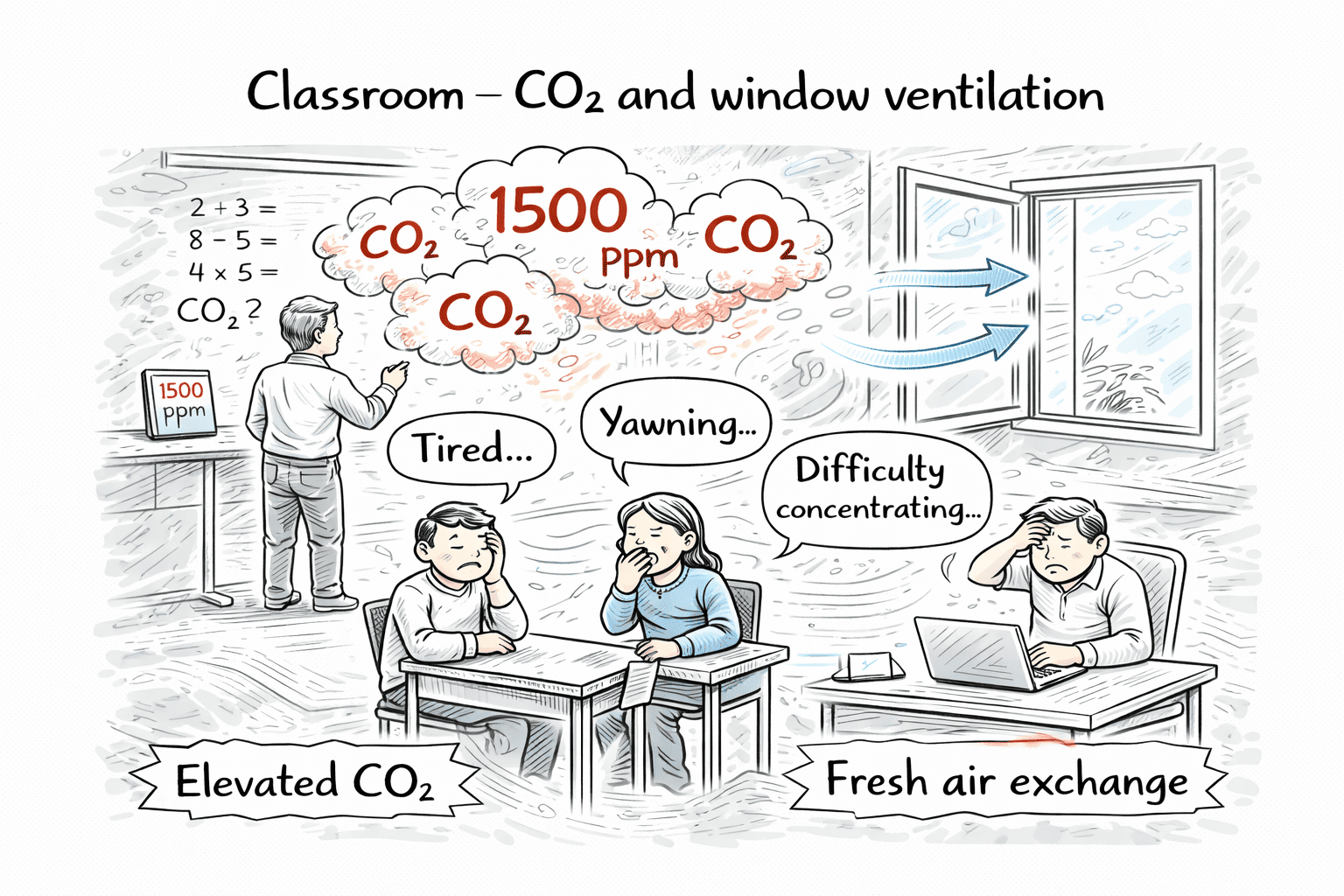
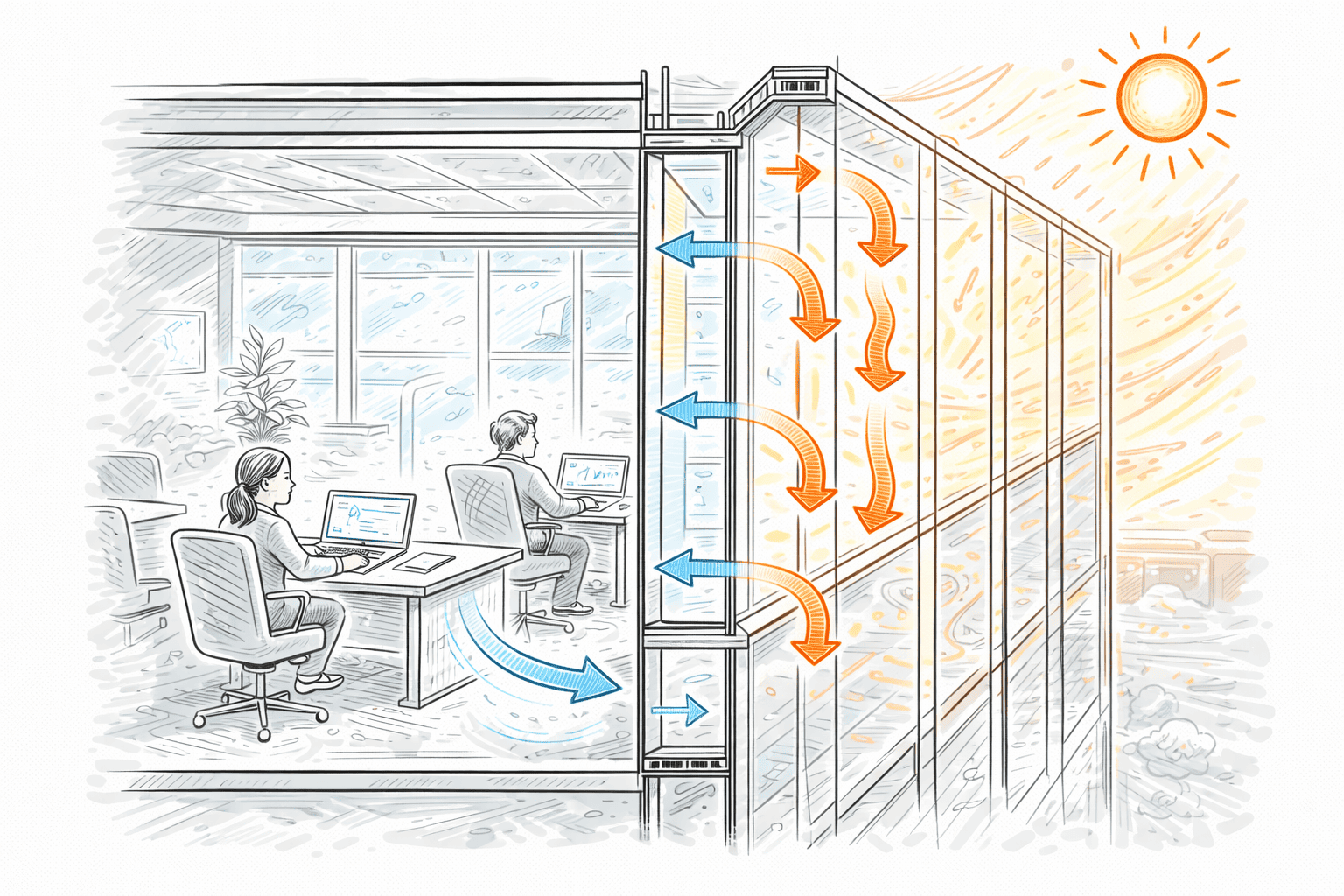



Workflow
Import IFC/3D, guided setup (domain, boundary conditions, sources/sinks), run OpenFOAM, and analyze fields and cuts in app.
Performance & Rendering
Multicore optimized engine for large models, NVIDIA RTX ray tracing with AI denoising, LuxCoreRender for PBR, and VR via OpenXR.
Comfort (DIN EN ISO 7730)
PMV, PPD, draft risk, operative temperature, Age of Air, and local air change for comfort analyses in indoor spaces.
Compatibility
Runs on Windows and Linux. OpenFOAM® v2512+ addon is available for Windows. Share results across the project without external viewer installs.
FAQ
Which OpenFOAM version is supported?
We integrate OpenFOAM® v2512+ (Windows addon). Linux users can use their existing OpenFOAM install.
Do I need ParaView?
No. Typical CFD postprocessing is available directly in FlowSIM Pro.
Do you support VR?
Yes, via OpenXR for immersive reviews and presentations.
Do I need to be a pro?
No, but basic CFD experience helps. The main challenge is combining boundary conditions sensibly. Building cases are more constrained; FlowSIM Pro guides typical setups.
Hardware recommendations?
Local solves work well with many CPU cores, ample RAM (e.g., 16–64 GB for typical building cases, more for large models), and a fast SSD. GPU accelerates visualization/VR.
Cloud runs?
Yes, run directly from the GUI on AWS EC2. Pick an instance, start, monitor; billing via your AWS account.