
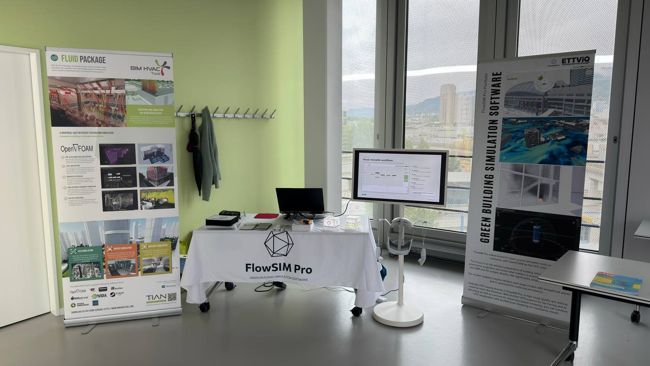
ETTViQ and FlowSIM Pro at BauSIM 2026.
We presented ETTViQ and FlowSIM Pro at BauSIM 2026.
Read article
Thank you to everyone who visited our stand at BauSIM 2026. We appreciated your questions, suggestions and conversations.
Read the full article ↗Windows 11 · 64-bit
More Windows downloads
Use FlowSIM Pro to see how your design affects airflow, temperatures and energy demand. Work with your BIM or CAD model and compare design options.
Customer portalFlowSIM Pro was developed by engineers for everyday project work. It simplifies the preparation of building simulations with open source tools, using OpenFOAM as its CFD core.
Import your BIM and 3D models and evaluate CFD results directly in FlowSIM Pro. There is no need to open a separate program such as ParaView. The graphics engine is designed for large models and multicore processors.
NVIDIA® RTX and LuxCore let you combine CFD visualisation with architectural rendering. RTX supports ray tracing and AI denoising, while LuxCore provides physically based rendering. OpenXR lets you explore your models in VR.
The built-in AI assistant helps you set up and check simulations and answers questions about using the software.
Calculate airflow and assess thermal comfort. View the results in your building model. More about CFD
Investigate how fire and smoke spread through your building.
Prepare your building model for energy demand calculations.
Simulate pedestrian flows in buildings. The extension is available for Windows.
We recommend at least 16 GB of RAM for project preparation. Larger CFD calculations need more memory. For Windows and Linux, we recommend an Intel Core i7 or AMD Ryzen 7 and an NVIDIA RTX 3060 or AMD Radeon RX 6600 or better. RTX features require a compatible NVIDIA graphics card. macOS requires Apple Silicon. We recommend a 4K display for the interface.
FlowSIM Pro is licensed per workstation. Each licence is tied to one computer. A new activation key is needed when changing computers or operating systems. Network and floating licences are not currently available. Ask about a licence
We presented ETTViQ and FlowSIM Pro at BauSIM 2026.
Thank you to everyone who visited our stand at BauSIM 2026. We appreciated your questions, suggestions and conversations.
Read the full article ↗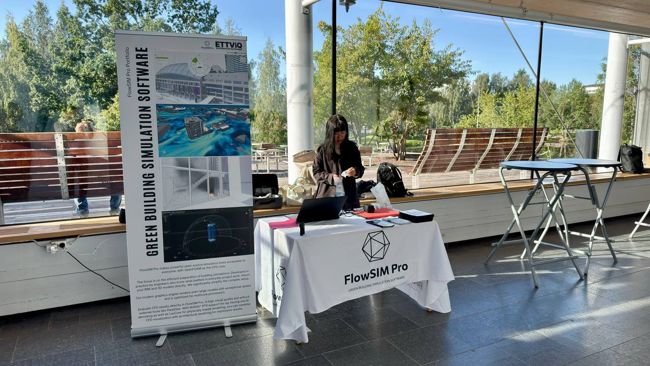
We brought ETTViQ and FlowSIM Pro to Umeå from 19 to 21 August.
Our conversations in Umeå focused on integrating airflow simulation into everyday design work.
Read the full article ↗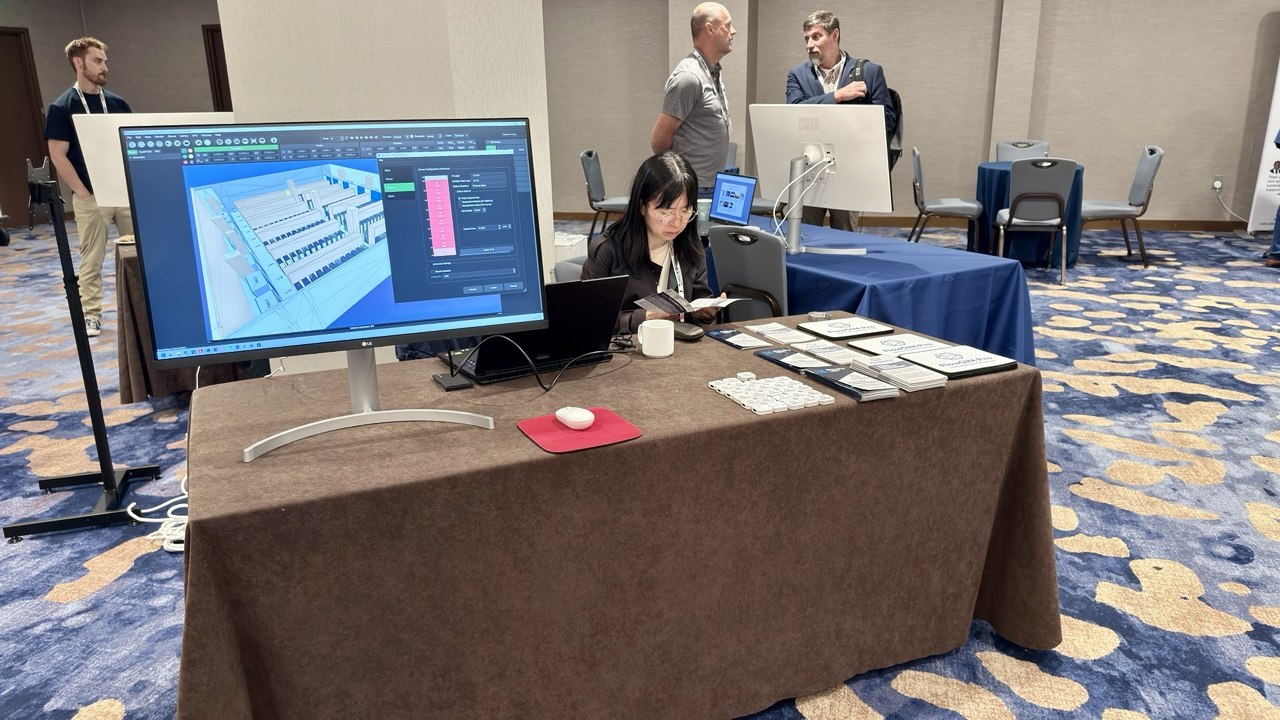
At SimBuild in Minneapolis, we showed how CFD can support everyday building design.
Thank you to everyone who visited our booth and shared their questions and experience.
Read the full article ↗Our local partners can help with questions about the software and licensing.




Contact us with questions about the software, licensing or your project.
info@flowsimpro.comFlowSIM Pro · Owner: Thomas Tian